
Building exteriors
Sealed against rain, snow and summer heat, so it can go on any outside wall.
Drag to turn. Pinch or scroll to zoom.
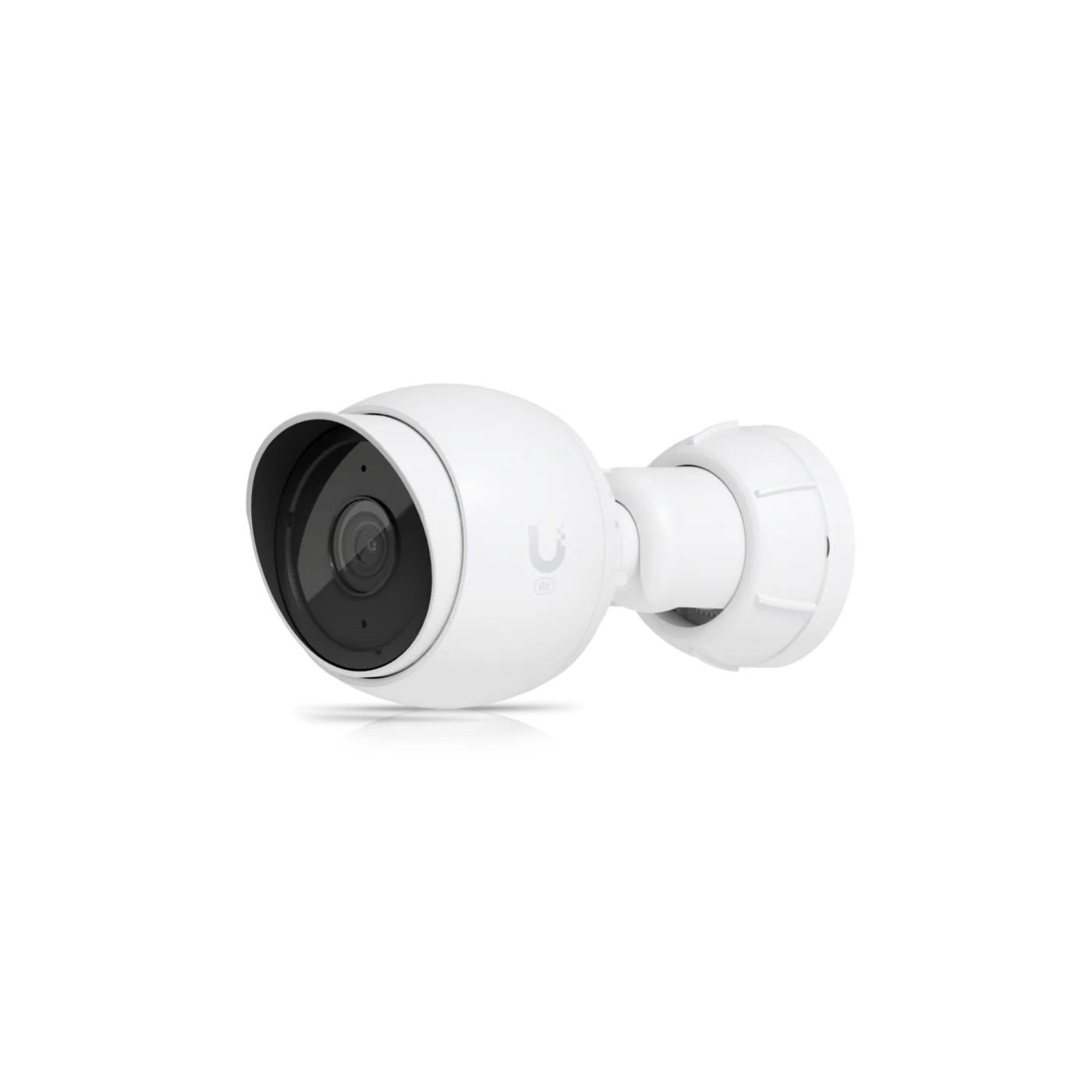
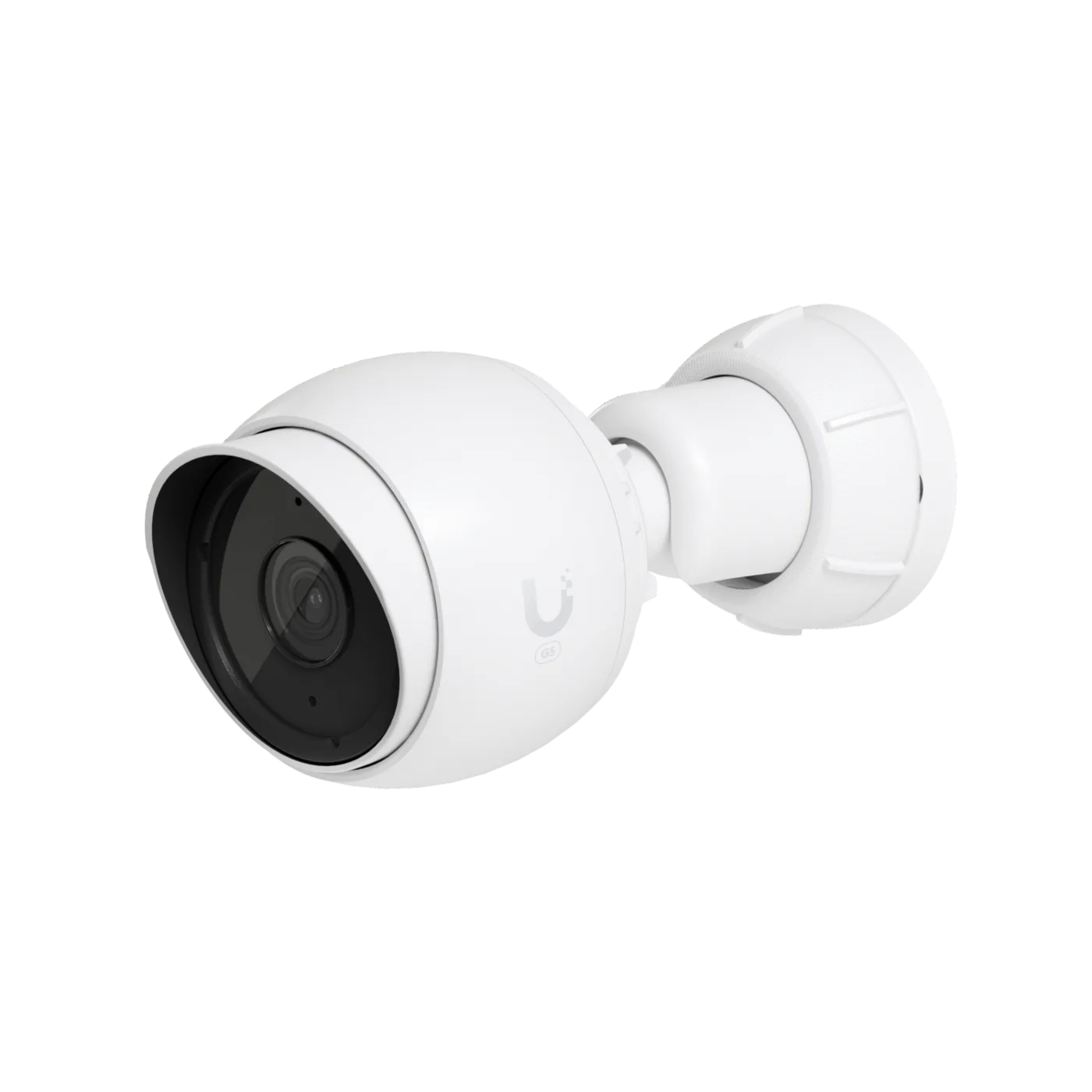
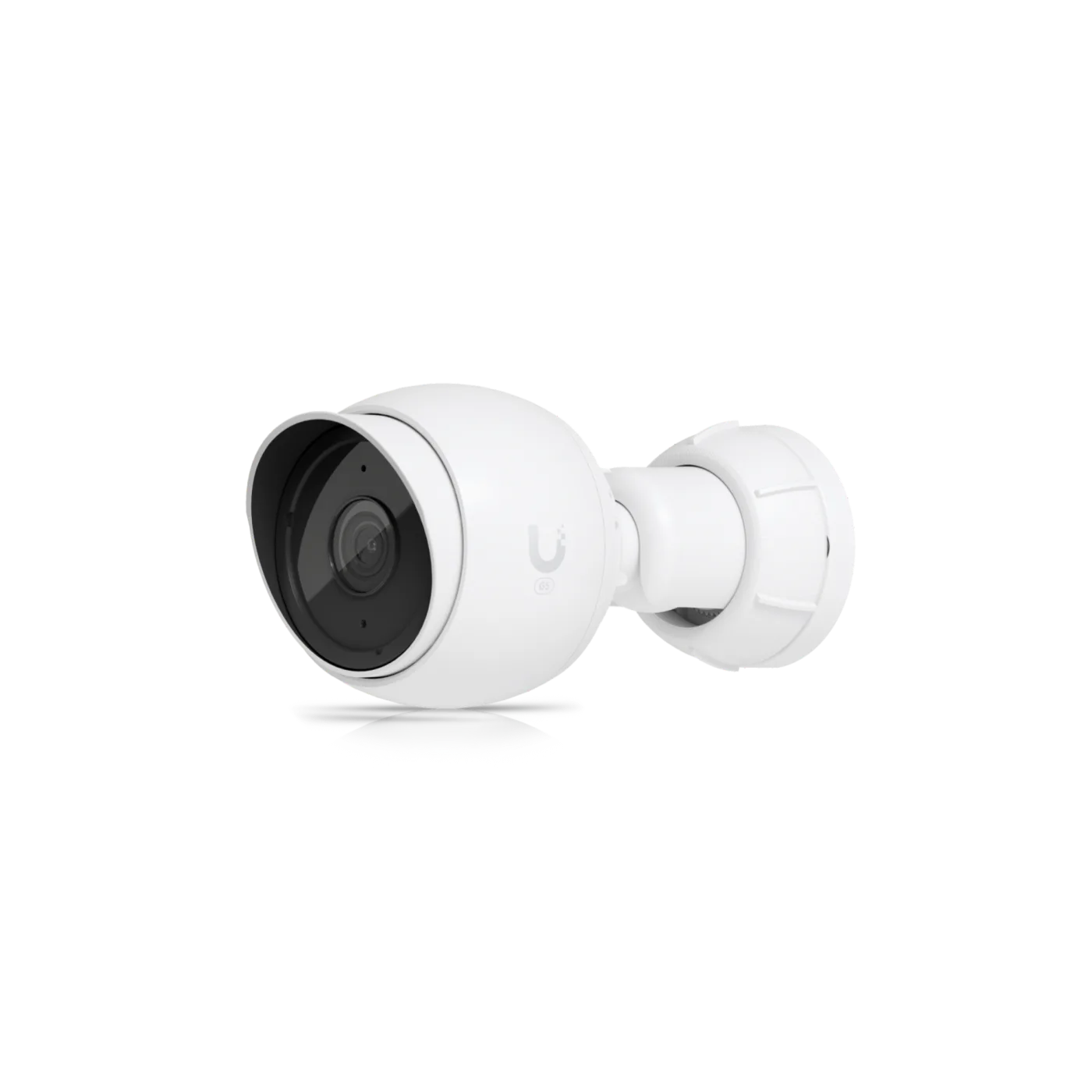 1 /
Where our installers put the G5 Bullet to work, and why.
Sealed against rain, snow and summer heat, so it can go on any outside wall.
Keeps reception, hallways and shared rooms covered without standing out.
An entry-level 2K bullet for outdoor walls. Straightforward coverage for back doors, side yards and small lots.
You don’t need to watch a tutorial. Here’s how we put up a G5 Bullet for you.
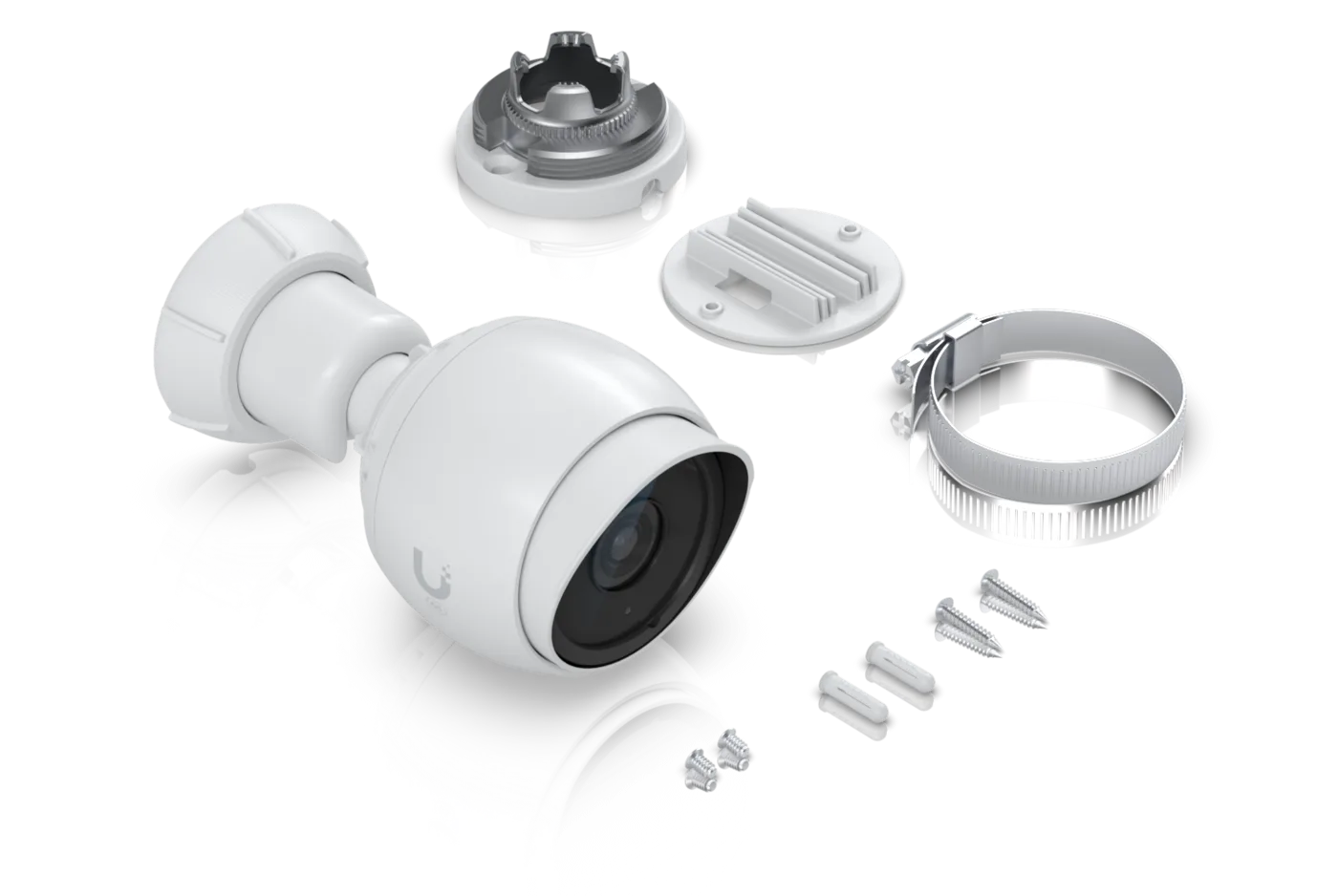
The G5 Bullet ships with what it needs to mount. We bring any extra mounts, boxes and cable your site calls for.
Everything we sell is installed by Camera25. With Purchase, installation is estimated at $499 per camera, with a 2-camera minimum. From the 7th camera on, cameras that list at $400 or less are half off, at $249.50 each. Cameras that list above $400 stay at the full rate. PTZ and license plate cameras are $1,499 each to install, with no discount. The final price depends on the wiring and how complex the job is. With Lease, installation is part of the monthly price.
Lease plans start at $1,200 down and $95 a month, with basic installation included. We confirm the plan for your system with your quote, with credit approval.
Most installs do. A junction box gives the camera a sealed base and hides the cable connection behind it. The boxes listed on this page fit the G5 Bullet, so adding one makes your estimate closer to the final price.
Yes, UniFi cameras record to a UniFi Protect recorder or console. If you don't have one, we size one for your camera count and include it in the quote.
Send the request on this page. We look at your site, in person or from photos, and confirm the final price before any work starts. Nothing is charged online.
Pick purchase or lease above and send the request. We’ll come back with a firm price that includes the equipment, cabling and install.
Chat with support
Send us a note and we'll reply by email or text. For a faster answer, text 732-374-6399.