
Entrances and lobbies
Picks out faces at doors and front desks, so you know who came in and when.
Drag to turn. Pinch or scroll to zoom.
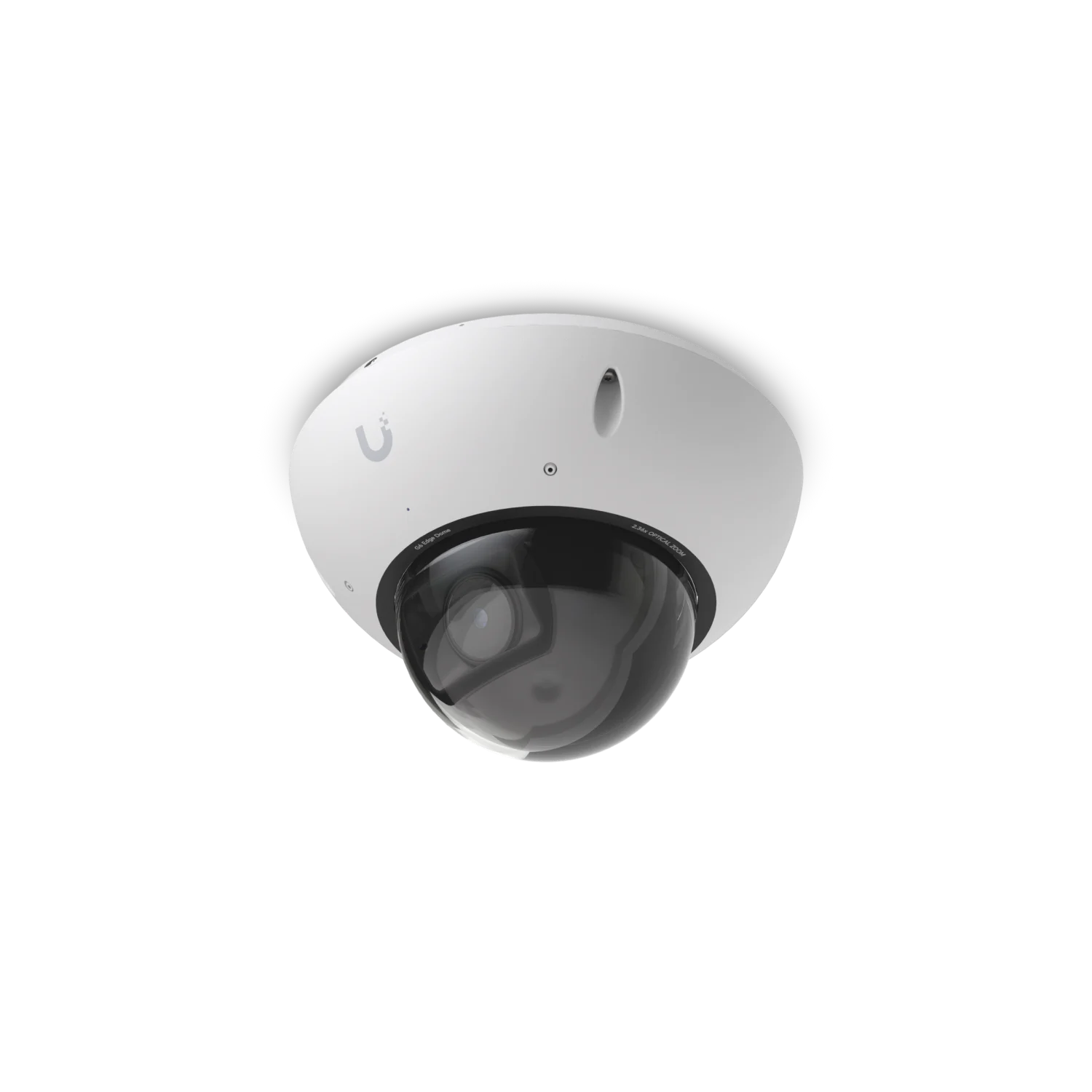 1 /
Where our installers put the G6 Edge Dome to work, and why.
Picks out faces at doors and front desks, so you know who came in and when.
Sealed against rain, snow and summer heat, so it can go on any outside wall.
Logs plates as cars come and go, so you can look up any vehicle later.
Most cameras send video somewhere else to be analyzed. The G6 Edge does the work on board, sorting people, vehicles and faces as it records and tagging each clip so you can search for what you need in plain words.
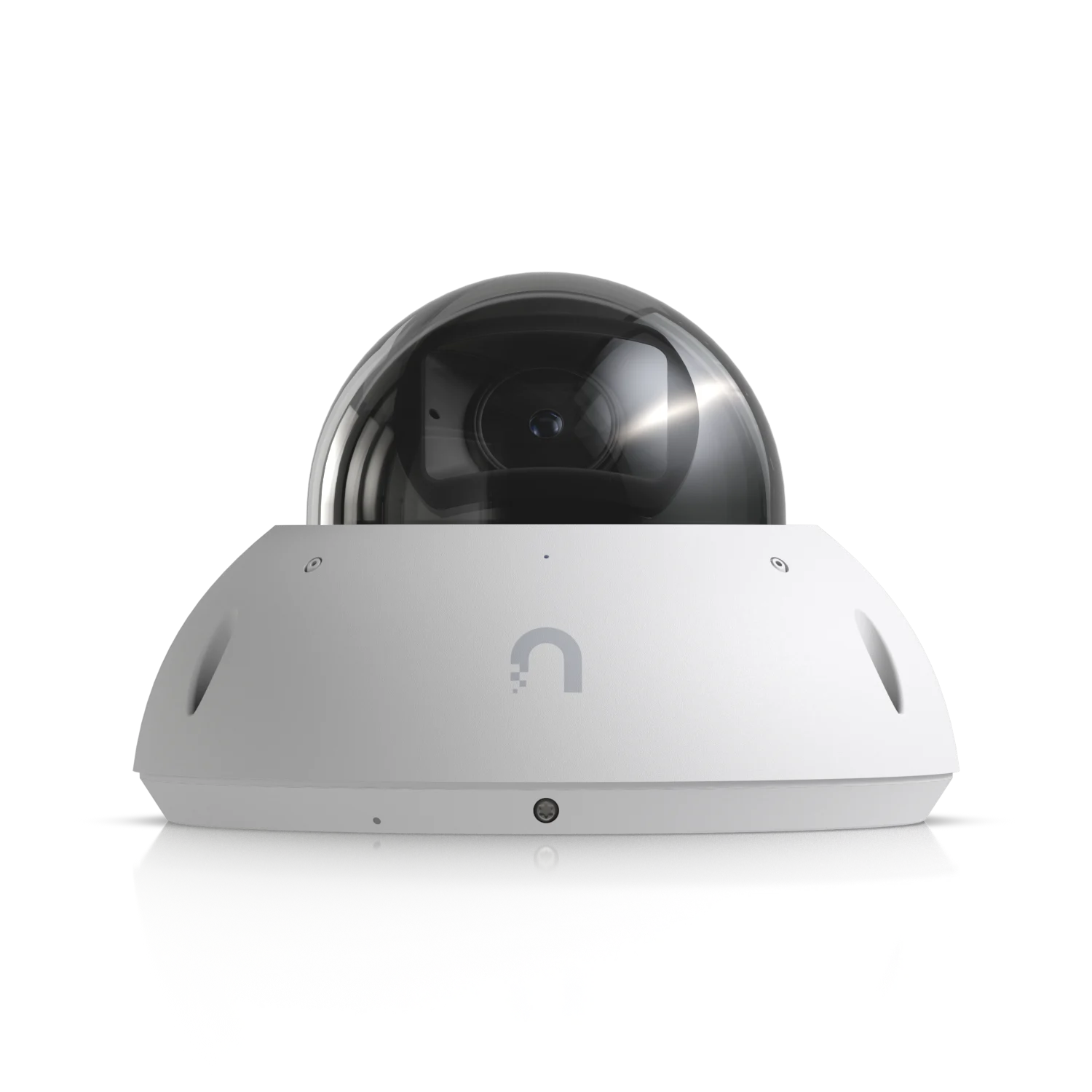
An aluminum housing and an IK10-rated dome shrug off hits, and IP66 sealing keeps out rain and dust. It runs from −20 to 50 °C, so a New Jersey winter is no problem.
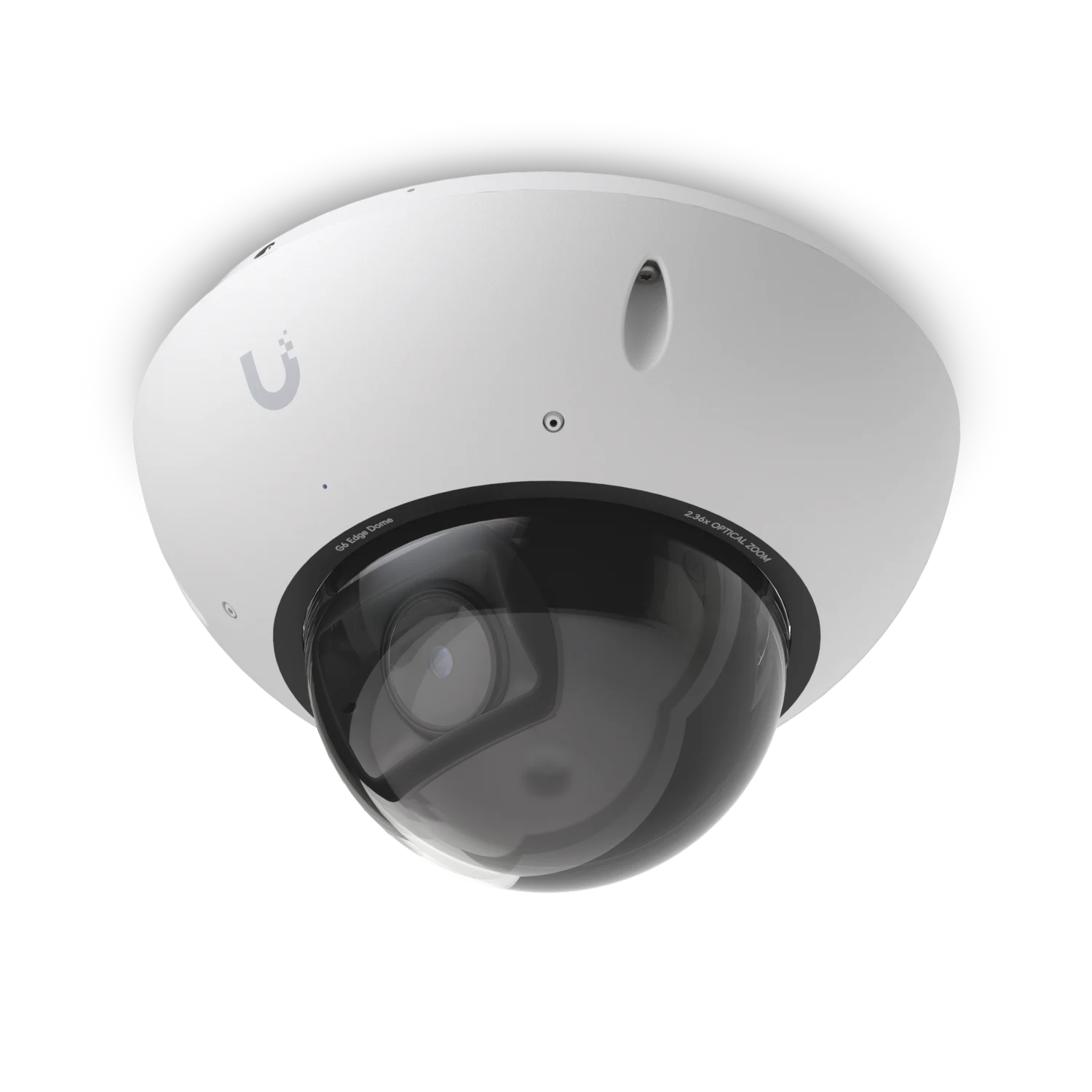
At its widest the lens covers 113.8° across. Zoom in to 45.5° and the same camera reads a face at the entrance. You set the view from your phone, no ladder needed.
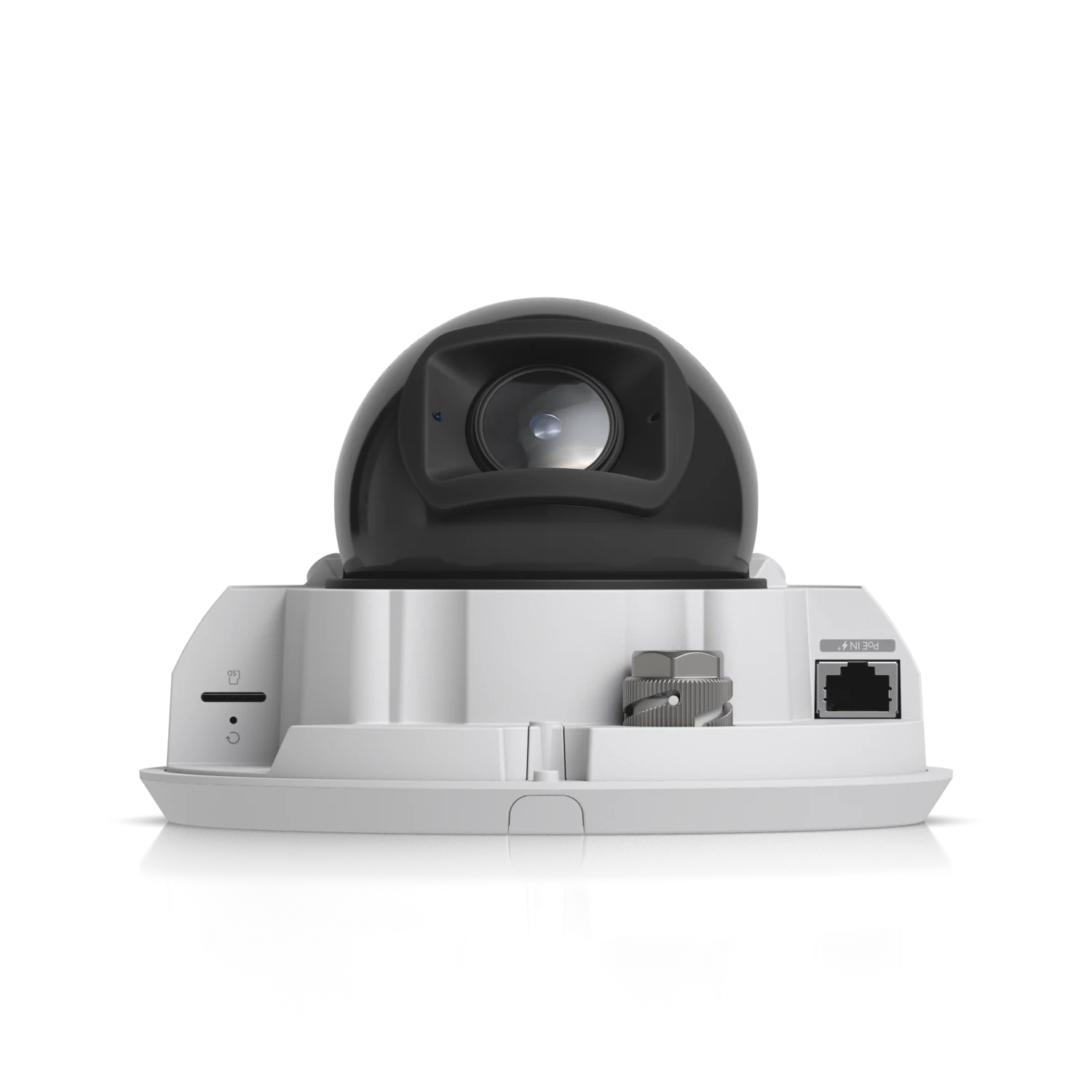
A single PoE+ Ethernet run carries power and video. A 128 GB microSD card comes installed, so it starts recording the day we mount it.
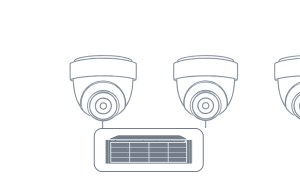
You don’t need to watch a tutorial. Here’s how we put up a G6 Edge Dome for you.
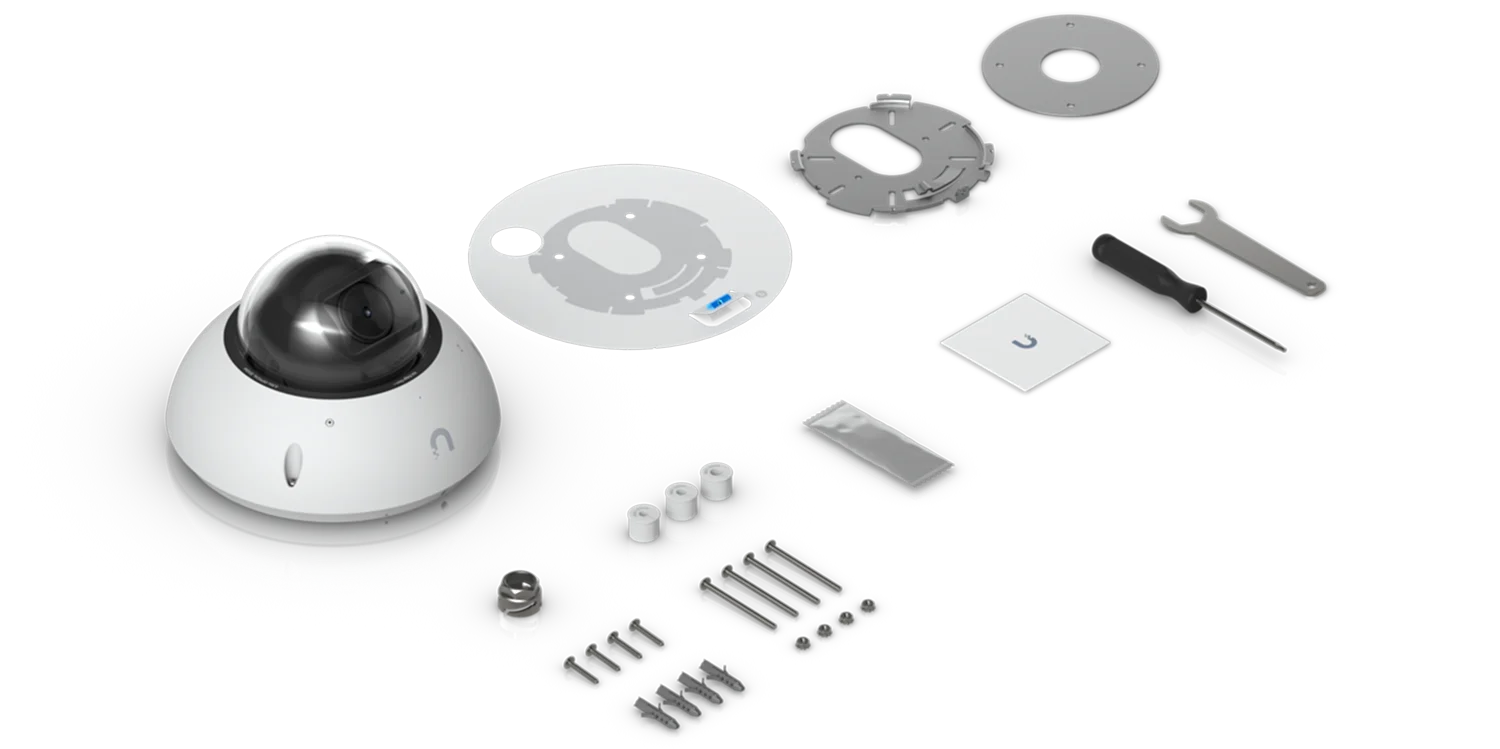
Mounts, power and protection that fit the G6 Edge Dome. We’ll tell you which ones your site needs.
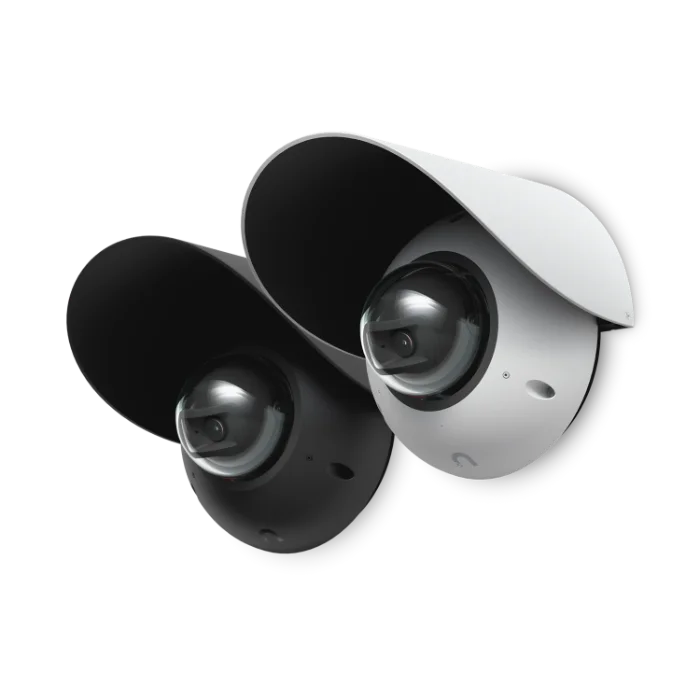
UACC-G6-Dome-WS · $29
Hood that keeps rain and glare off the dome.
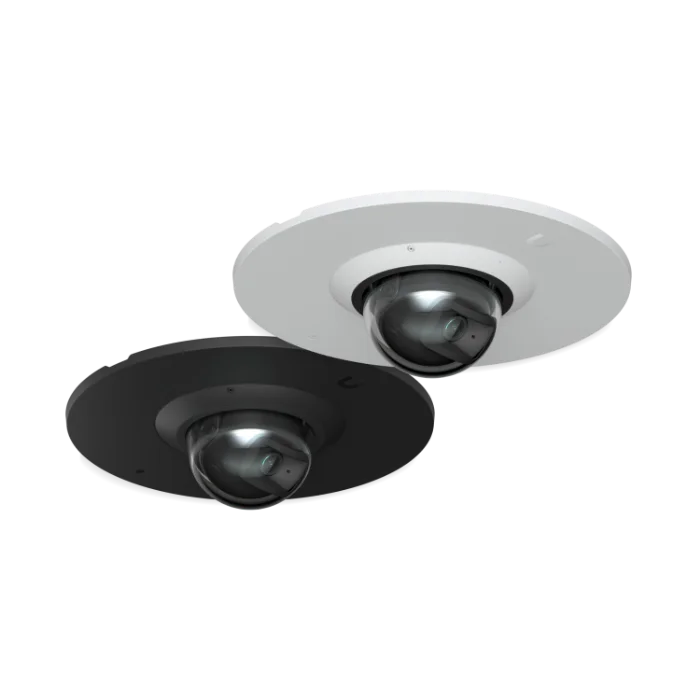
UACC-G6-Dome-FM · $39
Sets the camera into a drop ceiling for a low profile.
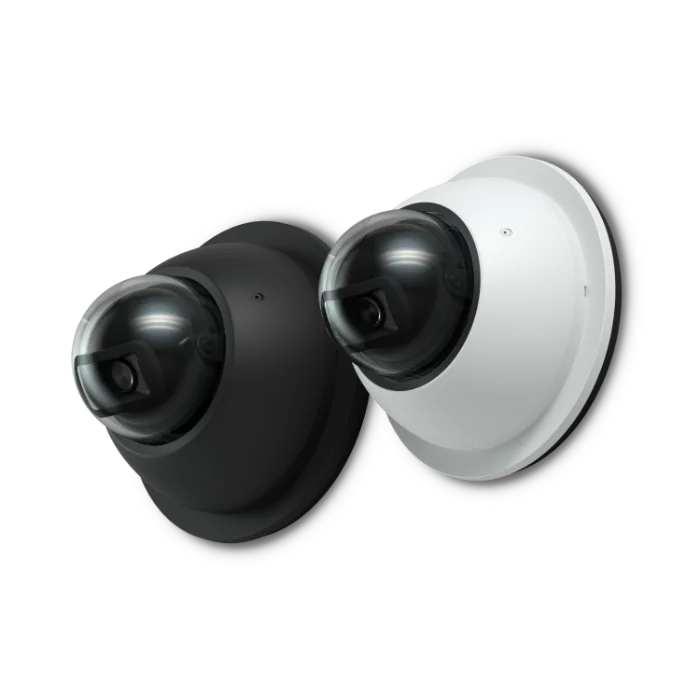
UACC-GB-Plate · $39
Mounts straight onto a standard electrical box.
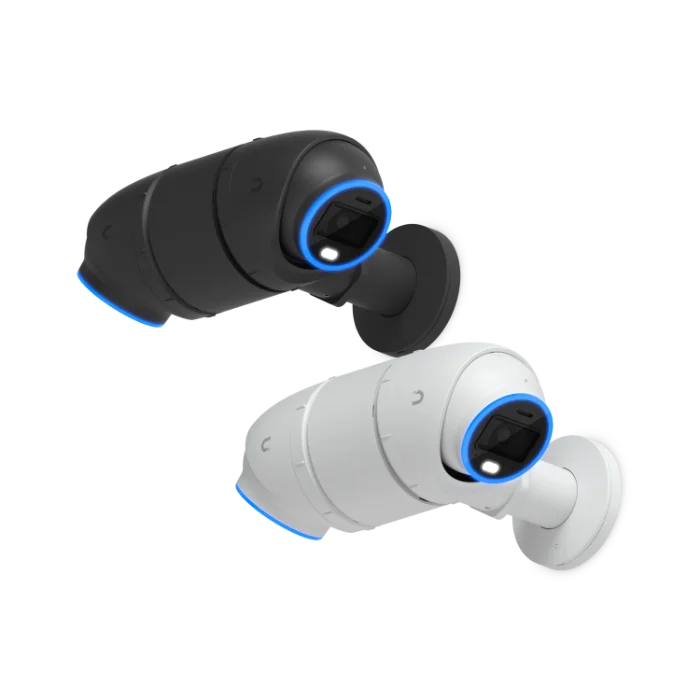
UACC-Camera-DM · $59
Arm for walls and poles when a ceiling isn’t an option.
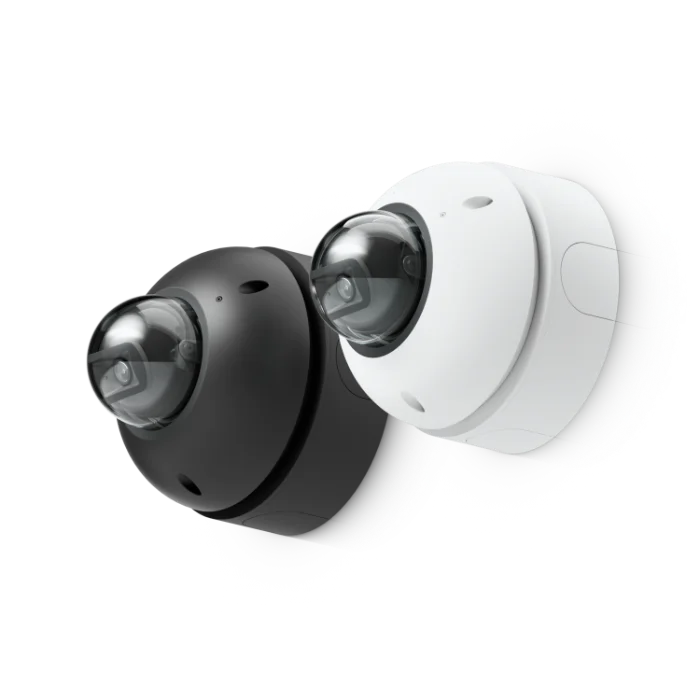
UACC-Camera-R2-JB · $49
Hides the cable and connector behind the camera.
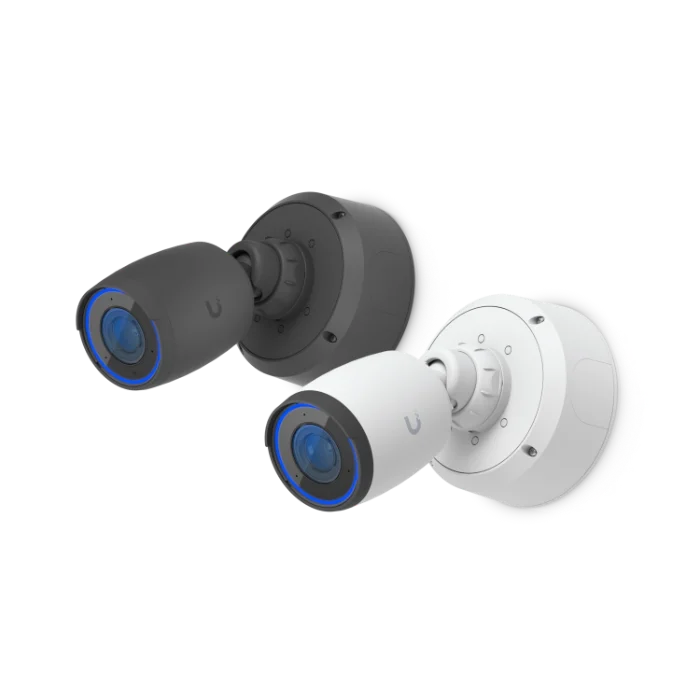
UACC-Camera-JB · $49
Junction box for earlier mounting patterns.
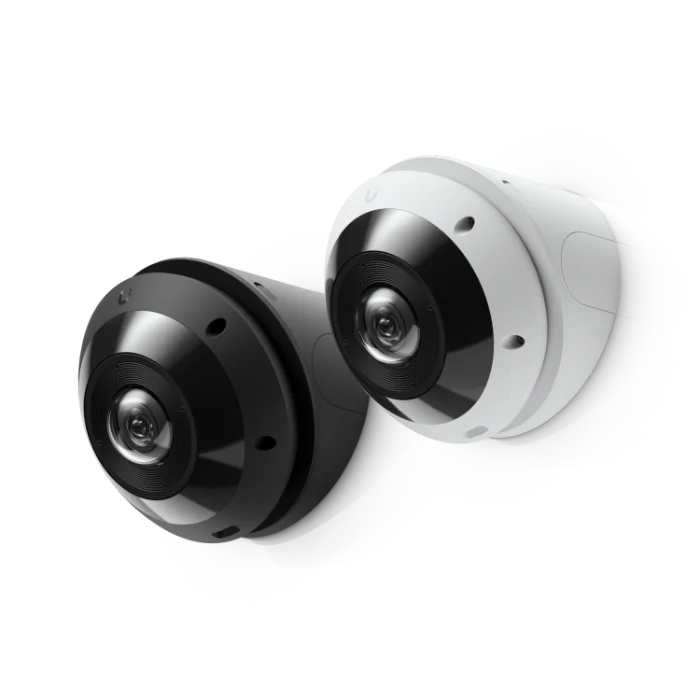
UACC-Camera-AJB · $59
Tilts the camera for slanted walls and corners.
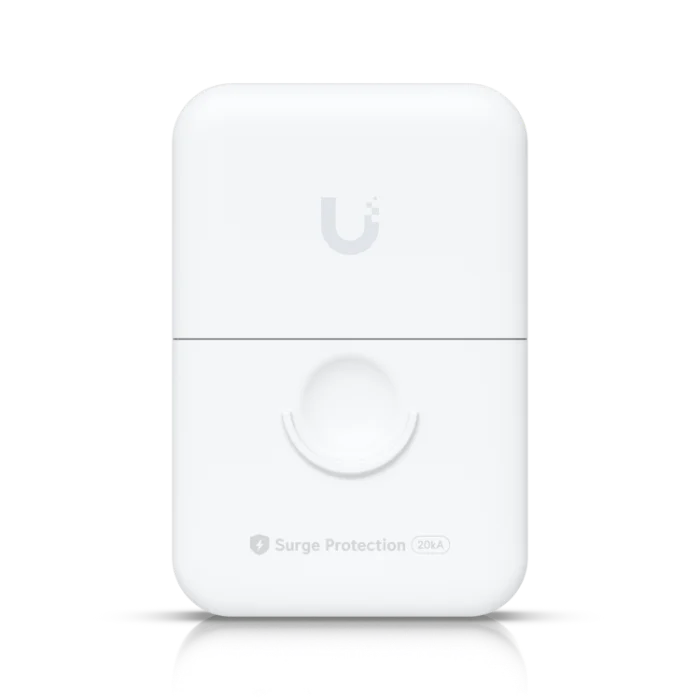
UACC-ETH-SP-Pro
Shields the camera and switch from lightning surges.
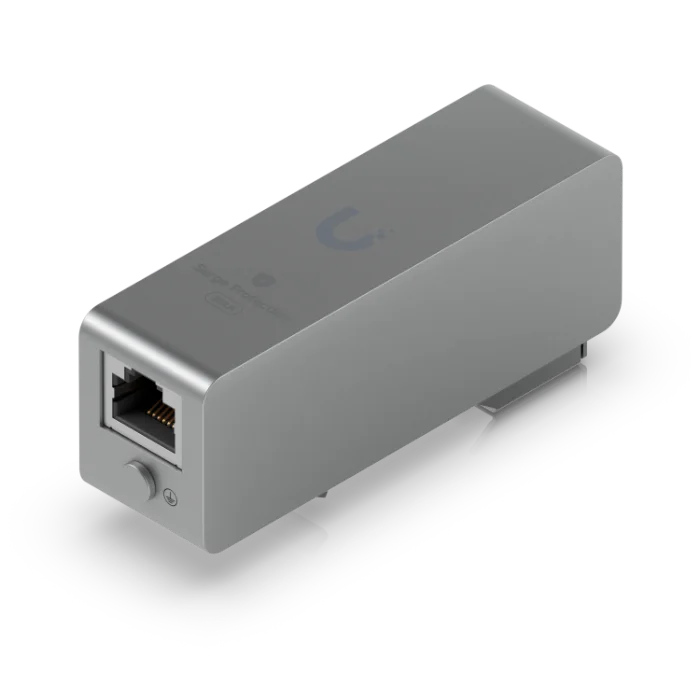
UACC-ETH-SP-DIN
DIN-rail surge protector for the network closet.
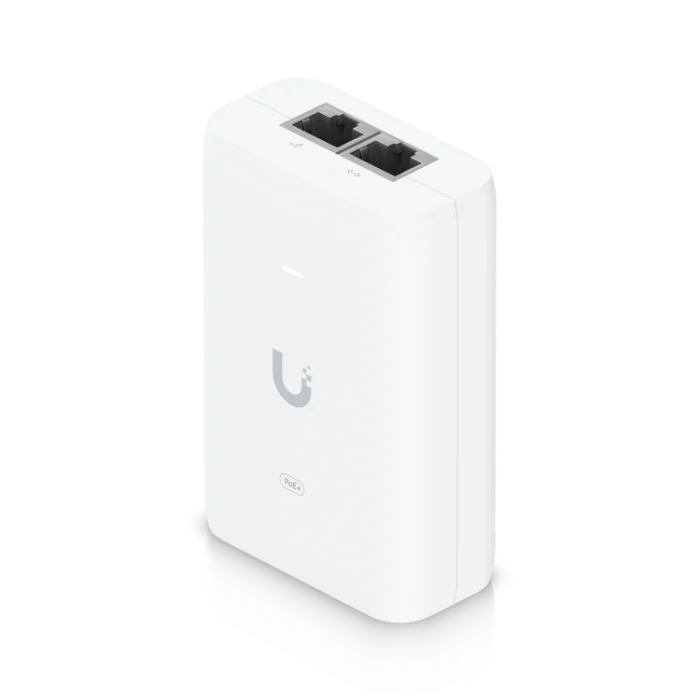
U-PoE+
Powers the camera where there’s no PoE switch.
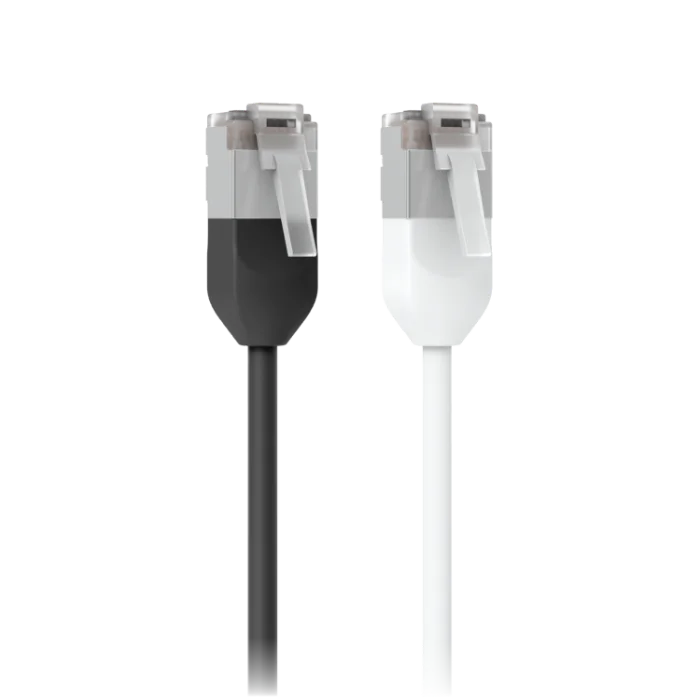
UACC-Cable-Patch-Outdoor-C6A
Weather-rated Cat6A for outside runs.
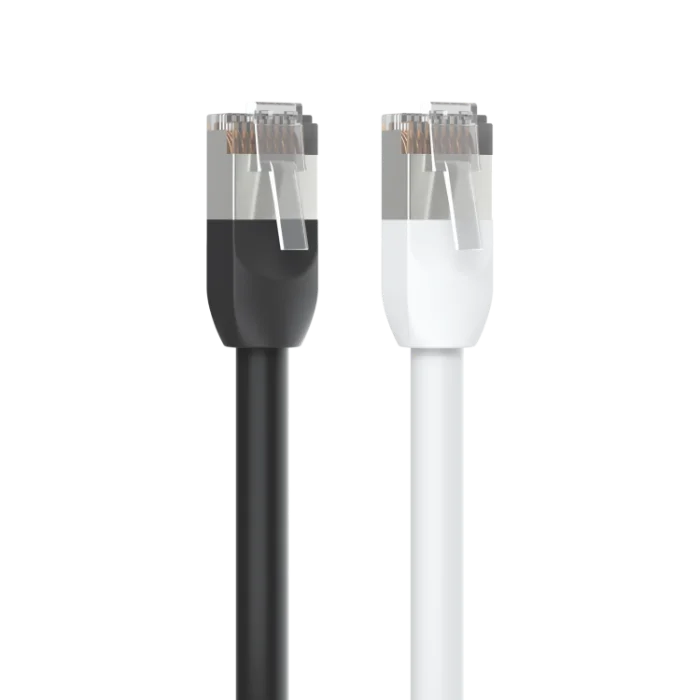
UACC-Cable-Patch-Outdoor
UV-resistant patch cable for exterior use.
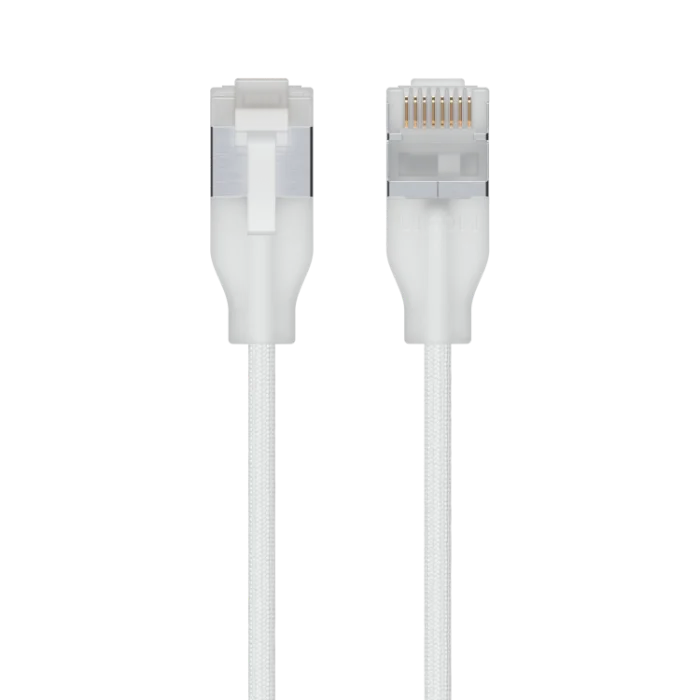
UACC-Cable-Patch-EL-C6A
Slim Cat6A for clean indoor runs.
No. It records to its built-in 128 GB card and runs its AI on board. You can add a UniFi Protect recorder later for longer storage and more cameras.
Yes. It is IP66 weather sealed, IK10 impact rated and works from −20 to 50 °C (−4 to 122 °F).
One PoE+ Ethernet cable carries both power and data. If your switch doesn’t supply PoE+, we add an adapter.
Yes. We survey the site, run the cable, mount and aim the camera, set up alerts and walk you through the app. Call or text 1-800-200-2509 for a quote.
Yes. Because the camera tags what it sees, you can search for people, vehicles or a description and jump straight to the clip.
Pick purchase or lease above and send the request. We’ll come back with a firm price that includes the equipment, cabling and install.
Chat with support
Send us a note and we'll reply by email or text. For a faster answer, text 732-374-6399.